
Free
€0.00
No subscription
Included features · Free
- Up to 100 saves, 5 folders and 20 tags
- Search and export
- Local AI or your own API key
- 10 initial cloud AI credits, once per account

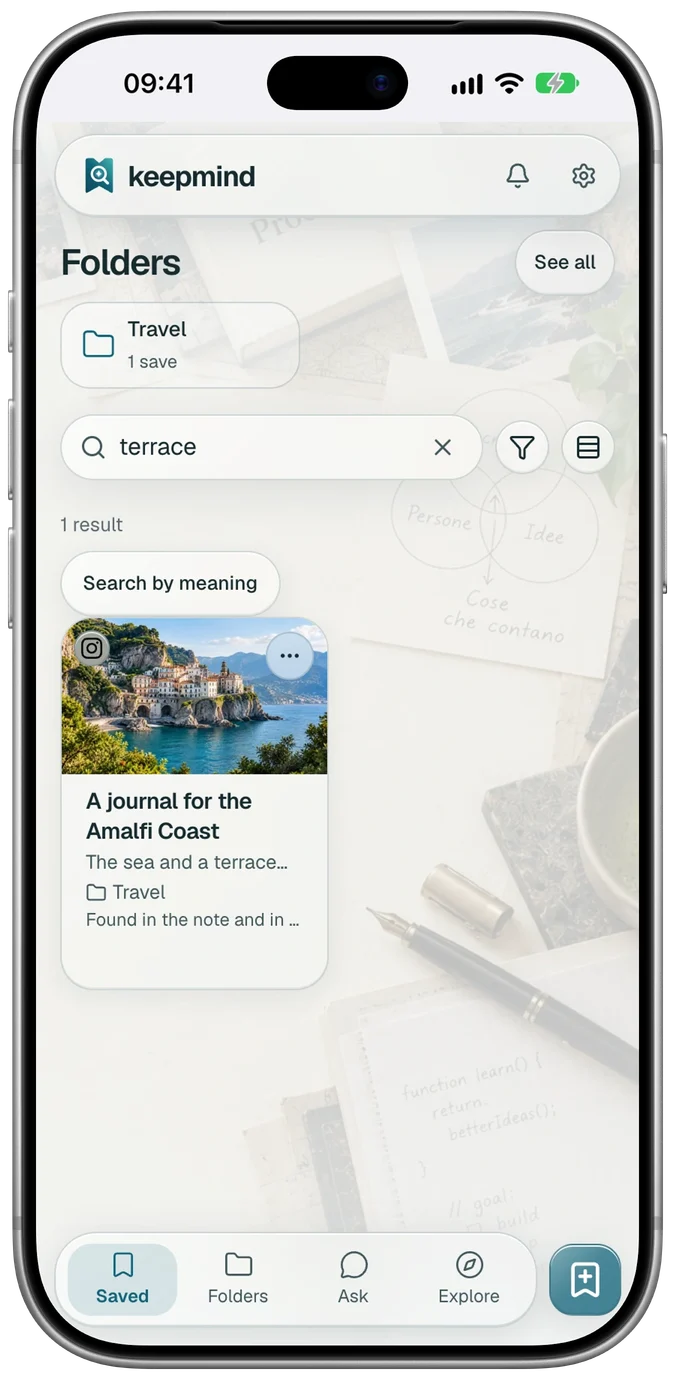
An app to save and find links, reels and notes again. Search a word from your note and reopen the source.


Save a reference and add your note.
When you reopen it, remember why you kept it.
From the web and your apps, with the source.
A note to remember why.
Your order, in your own words.

Open the Amalfi Coast post from KeepMind’s Instagram profile. Tap Share, choose KeepMind and save your note. Then return to the post.
Demo profile and post. Sequence shortened.
Go to search
Search for a word from the title or your note. Open the saved item to return to its source.
Go to AskAsk a question about what you saved. When the answer cites your content, open the sources and check the context.
Use your KeepMind AI credits with an account, or connect your own provider.
Go to pricing
Sign in on the web with the same account to find links, images and notes saved on your phone.


€0.00
No subscription
€19.99 / year
Or €2.99/month on the App Store or €1.99 every 7 days on Google Play.
€34.99
Single payment
Prices shown are from the Italian catalog. Availability, currency and final price depend on your country’s store. Check them in the app before confirming.
On iPhone and Android you can save, search and export as a guest. Sign in to use KeepMind on the web. An account also lets you sync your saves and use KeepMind cloud AI.
Each account receives 10 initial credits once. To continue using managed AI after that, you need Plus or a one-time purchase. Both include 100 credits per UTC calendar month. Unused credits expire at month end. If you use your allowance, the next one arrives the following month while your plan is active.
You can choose local AI or connect a personal provider. Your provider may charge for use. These modes are separate from KeepMind cloud credits.
In the iPhone or Android app. To restore, sign in to the store where you bought your plan and use Restore purchases in the app. Sign in with the same KeepMind account on the web to use the linked features.
Manage your subscription in the App Store or Google Play. After cancellation you keep Plus until the end of the paid period shown by your store. For withdrawal requests, email hello@keepmind.app.
You keep your content and can read, edit, export and delete it. When you reach the limit for saves, folders or tags, you can no longer create more of that type. Returning to Free does not grant another initial credit allowance.
Pay once through your store for Plus features for the lifetime of the KeepMind service. Included AI credits follow the same monthly schedule as Plus.